The invitation collection

Find a digital wedding invitation that feels like you.

Explore digital wedding invitation templates with built-in RSVP. From white roses to palace gardens, choose the setting for your celebration and make the words your own.

Free to design and preview. Publishing requires a one-time payment. See current pricing and hosting terms.

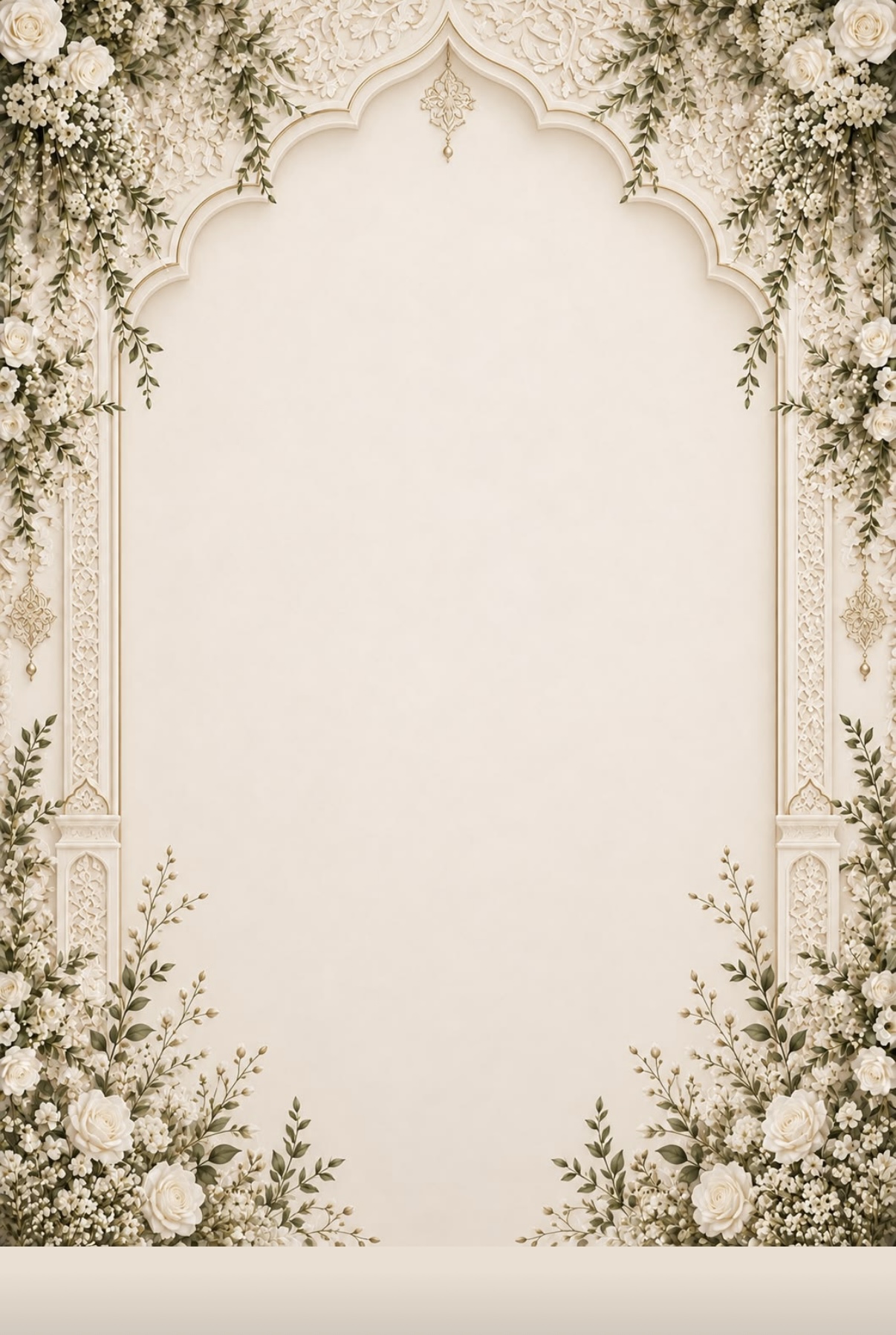
The Sacred Garden

An ivory arch framed in white roses and sage leaves. Guests break a wax seal to open it, then scroll through your day, menu, venue and RSVP.

Personalize the names, date, welcome message, schedule, venue and RSVP details. Sample names and dates are illustrative.

The Peacock Court

A carved marble archway under a gold chandelier, opening onto a palace garden. Guests part two inlaid palace doors to step inside.

Personalize the names, date, welcome message, schedule, venue and RSVP details. Sample names and dates are illustrative.

The Wisteria Grove

A painted garden seen through a marble arch draped in wisteria, with a gazebo at the end of the path. Guests push open two wisteria-covered garden gates.

Personalize the names, date, welcome message, schedule, venue and RSVP details. Sample names and dates are illustrative.

The Meadow Aisle

A soft watercolor garden: blossoming trees, a flower-lined aisle and a rose arbor under an open summer sky. Guests open a white garden gate wrapped in roses.

Personalize the names, date, welcome message, schedule, venue and RSVP details. Sample names and dates are illustrative.

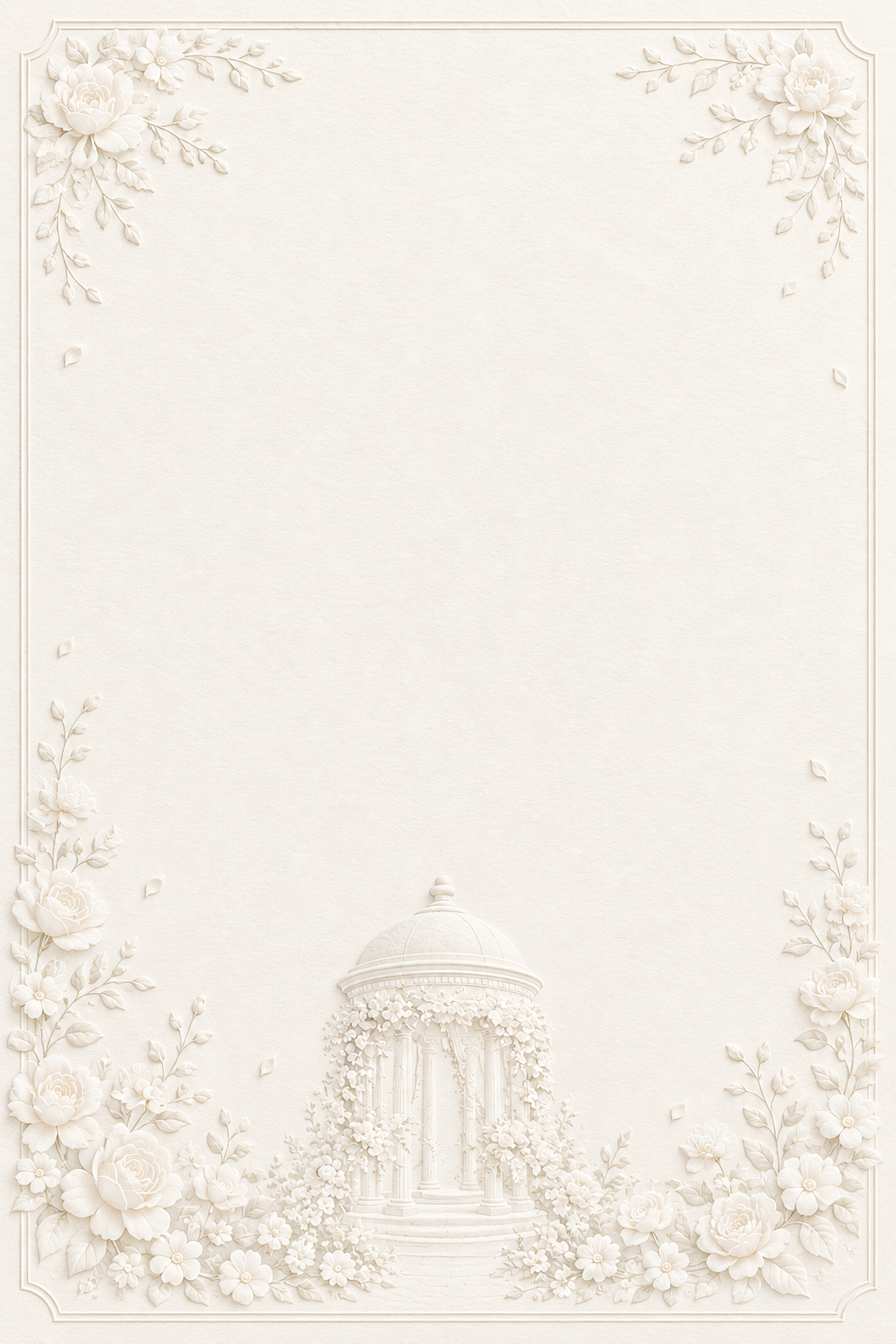
The Ivory Letterpress

All-white embossed cotton paper: raised roses in every corner and a rose-wrapped rotunda. Guests open a pressed gatefold card to step inside.

Personalize the names, date, welcome message, schedule, venue and RSVP details. Sample names and dates are illustrative.

Your words. Your celebration.

Use the wording that suits your wedding, Nikkah or Walima. The designs provide the visual setting; you choose the message, menu and details you share. Preview your invitation before publishing to check every section.

An invitation guests can reply to.

These are hosted invitations shared through a link. Guests open the invitation and submit their RSVP without creating an account. You can review their replies in your dashboard.

Explore online wedding RSVP

Choosing your design

Open a preview to see the opening animation and the invitation beyond the cover. Then use that design in the editor, add your information, and check the result on your phone. You can edit and republish during your hosting period, keeping the same shared link.

Your purchase covers the hosting period shown at checkout, beginning when payment is confirmed. If your wedding is a long way off, check that the period covers your celebration before publishing.

Create your invitation