
Digital wedding invitations with RSVP, opened like a letter.
Create a wedding invitation that feels like you. Personalize a design, share one link by WhatsApp, text or email, and collect guest replies in one place. Free to create — pay once to publish.
- Wedding ceremony
- Engagement
- Nikkah
- Walima

Tap the seal to explore a sample invitation.

Together with their families
Alex & Jamie
19 · 06 · 27
- Free to create
- Pay once when you publish
- Opens beautifully on any phone
- Edit and republish during hosting
How it works
Three steps, start to celebration.
Step 1
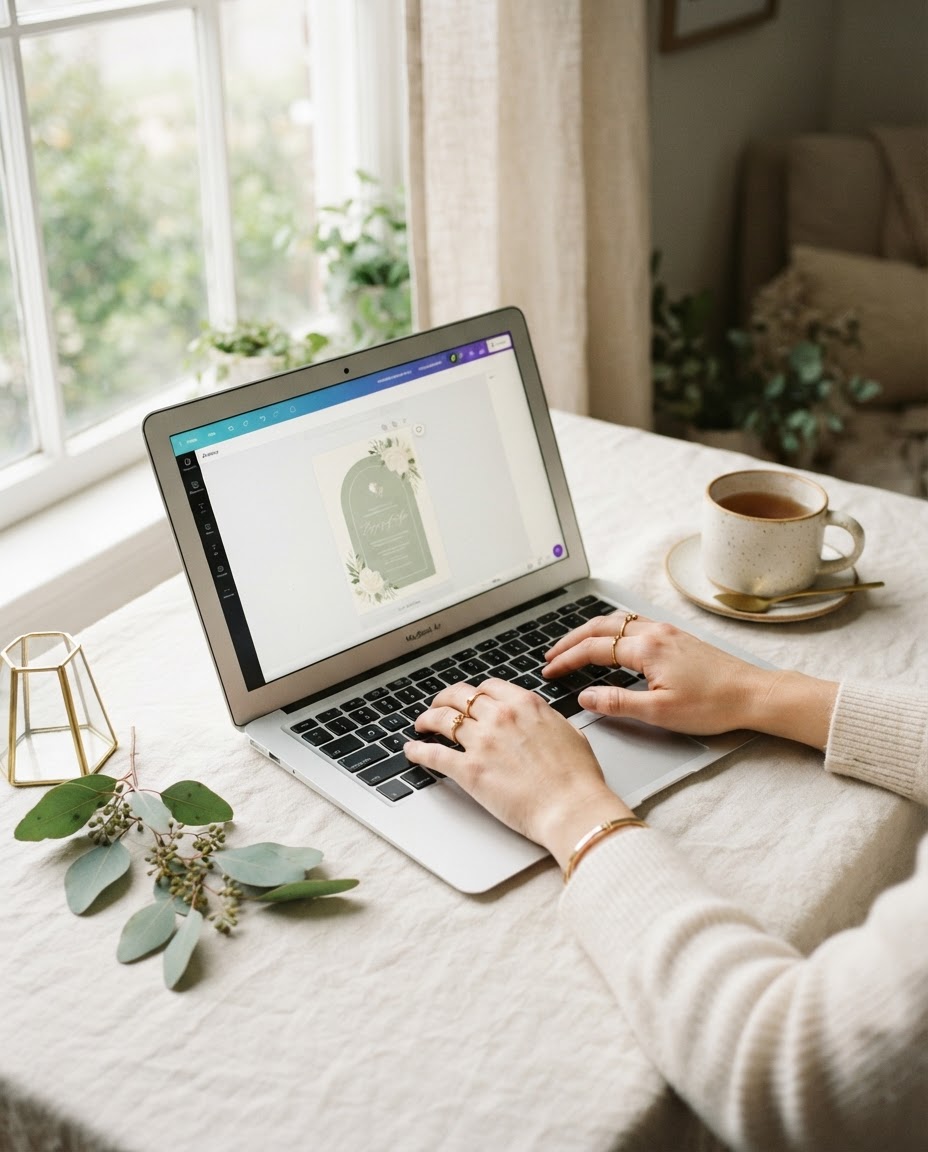
Make it yours
Add your names, date, venue and the details you want to share. The preview changes as you type.

Step 2
Share one link
Pay once to publish, then copy your link into WhatsApp, a message or an email.

Step 3
Guests open & reply
Guests open the envelope and RSVP. Review attendance, meal choices and allergies in your dashboard.
Try it now
See it change as you type.
Every word, dish and date is yours to edit, with a live preview beside you. Start with your names.

Examples
Designs for every celebration.
From garden weddings to Nikkah and Walima celebrations, make the wording your own. Names and dates shown are illustrative.



For the couple
Keep guest replies in one place.
Open RSVPs from your invitation dashboard to see who has replied and how many guests are attending.
Find a reply
Search by name or email, filter attending and declined replies, and refresh for new responses.Review meals and allergies
Read each reply’s guest count, meal choice, allergy notes and message. Meal summaries count replies, not individual meals.Export your list
Download a CSV of the replies matching your current filters to help with your planning.
Sam Riverasam@example.com
Attending · 2 guests
Wild mushroom risotto · Allergies: Tree nuts · Please contact us about the menu.
“Looking forward to celebrating with you!”
1 May 2027, 12:00 UTC
This is the same reply card used in the host dashboard, shown with invented details. One reply can cover several guests, but records one meal choice.
For your guests
Everything they need, in one link.
Keep your wedding details and RSVP together in one link. Guests find the time, the place, the menu and how to reply — all in one scroll.
Wax-seal opening
The envelope opens to your invitation, with music if you add it.
Countdown & calendar
One tap adds your day to their phone’s calendar.
Venue & directions
A map and a directions button from your address.
Menu & dress code
Your courses, dishes and colour palette.
Gifts
Bank details with copy buttons, or your own instructions.
RSVP
Attendance, guests, main course and allergies in one form.
Pricing
Free to create. Pay once to publish.
Design and preview as long as you like. Purchase Publish & Share when you’re ready to send it.
Publish & Share
One invitation. One payment. A link for all your guests.
Start creating for free. Publishing prices are temporarily unavailable. Check the current price and hosting period before paying at checkout.
- Published wedding invitation and shareable link
- RSVP, meal preferences, and allergy replies
- Edit and republish during your hosting period
- No subscription or automatic renewal
Questions, answered
Before you send your invitations.
A few helpful details, from your first design to your guests’ replies.
Still have a question?
Get in touch
Do guests need an account to RSVP?
No. Guests can open your published invitation link and reply with their name and email address, without creating an account.
Can I send my invitation through WhatsApp?
Yes. Copy your published invitation link and paste it into WhatsApp, a text message or an email. You send the message yourself; Invitation Day does not automatically deliver it to your guests.
Can I edit the invitation after sharing it?
Yes. Edit your draft and republish during your purchased hosting period. Your shared link stays the same, and guests see the published changes. Saving a draft alone does not change the live invitation.
Can guests include plus-ones, meal choices and allergies?
The RSVP form collects a guest count up to the limit you set, one meal choice per reply, allergies and a message. A reply may cover several guests; it does not collect a separate meal choice for every person in that group.
Can a guest change an RSVP?
The published form accepts one reply per email address. Guests should contact the couple if they need to change an existing response.
Is it free to create an invitation?
Designing and previewing are free. Publishing a shareable invitation requires a one-time payment. Check the pricing section and checkout for the current currency, price, applicable taxes and hosting period.
How long will my invitation stay online?
Hosting starts when payment is confirmed and lasts for the number of days shown with your purchase. When that period ends, the public invitation is unavailable and republishing is disabled. There is no subscription or automatic renewal.
Who can see my invitation and guest replies?
Anyone with your published invitation link can view the invitation. Guest replies are available in the owner’s signed-in dashboard; they are not displayed on the public invitation. Share your link with care and avoid including details you do not want recipients to forward.
Read our privacy policy and purchase and hosting terms for more details.

Make something worth opening.
Create your invitation in minutes and share it with everyone you love.
Create your invitationFree to create. One payment when you’re ready to publish.